ICON and MONAI
Loosely based on This MONAI notebook demonstrating registration
Using MONAI U-Nets in ICON
MONAI and ICON are already almost compatible in this regard. The differences are that
ICON expects U-Nets to take two images as inputs, while MONAI U-Nets take one image.
ICON U-Nets come with the last layer initialized to weights and biases of zero so that training starts at the identity map, for most MONAI U-Nets this needs to be done manually (RegUNet comes with an argument for this)
import monai
import icon_registration as icon
from icon_registration.config import device
import icon_registration.monai_wrapper
import torch


monai_deformable_net = icon.FunctionFromVectorField(
 icon_registration.monai_wrapper.ConcatInputs(
    monai.networks.nets.AttentionUnet(
          2, 2, 2, channels=[16, 32, 64, 128, 256], strides=(2, 2, 2, 2, 2))))


torch.nn.init.zeros_(monai_deformable_net.net.net.model[2].conv.weight)
torch.nn.init.zeros_(monai_deformable_net.net.net.model[2].conv.bias)
This can be mixed and matched with other ICON registration modules in a registration pipeline
import icon_registration.networks

inner_net = icon.TwoStepRegistration(
    icon.TwoStepRegistration(
        icon.FunctionFromMatrix(
            icon_registration.networks.ConvolutionalMatrixNet(dimension=2)),
        icon.FunctionFromMatrix(
            icon_registration.networks.ConvolutionalMatrixNet(dimension=2)),
    ),
    monai_deformable_net
)
Using MONAI similarity metrics in ICON
ICON losses assume that the first channel is intensity, and the second channel in the warped image indicates whether the value is interpolated or extrapolated. MONAI doesn’t use this convention, so we strip the second channel.
model = icon.GradientICON(
   inner_net,
   icon_registration.monai_wrapper.FirstChannelInputs(
       monai.losses.GlobalMutualInformationLoss(),
   ),
   .7
)

model.assign_identity_map([1, 1, 64, 64])
model.to(device)
model.train()

optimizer = torch.optim.Adam(model.parameters(), 1e-3)
Using an ICON RegistrationModule with MONAI
First, let’s load a MONAI dataset
from monai.utils import first
from monai.transforms import (
    EnsureChannelFirstD,
    Compose,
    LoadImageD,
    ScaleIntensityRanged,
)
from monai.data import DataLoader, Dataset, CacheDataset
from monai.networks.blocks import Warp
from monai.apps import MedNISTDataset
import os
import tempfile

max_epochs = 200
root_dir = tempfile.mkdtemp()
train_data = MedNISTDataset(root_dir=root_dir, section="training", download=True, transform=None)
training_datadict = [
    item
    for item in train_data.data if item["label"] == 4  # label 4 is for xray hands
]
train_transforms = Compose(
    [
        LoadImageD(keys=["image"]),
        EnsureChannelFirstD(keys=["image"]),
        ScaleIntensityRanged(keys=["image"],
                             a_min=0., a_max=255., b_min=0.0, b_max=1.0, clip=True,),
    ]
)
check_ds = Dataset(data=training_datadict, transform=train_transforms)
check_loader = DataLoader(check_ds, batch_size=1, shuffle=True)
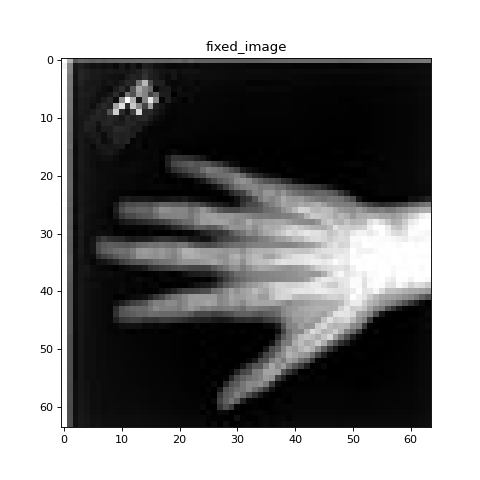
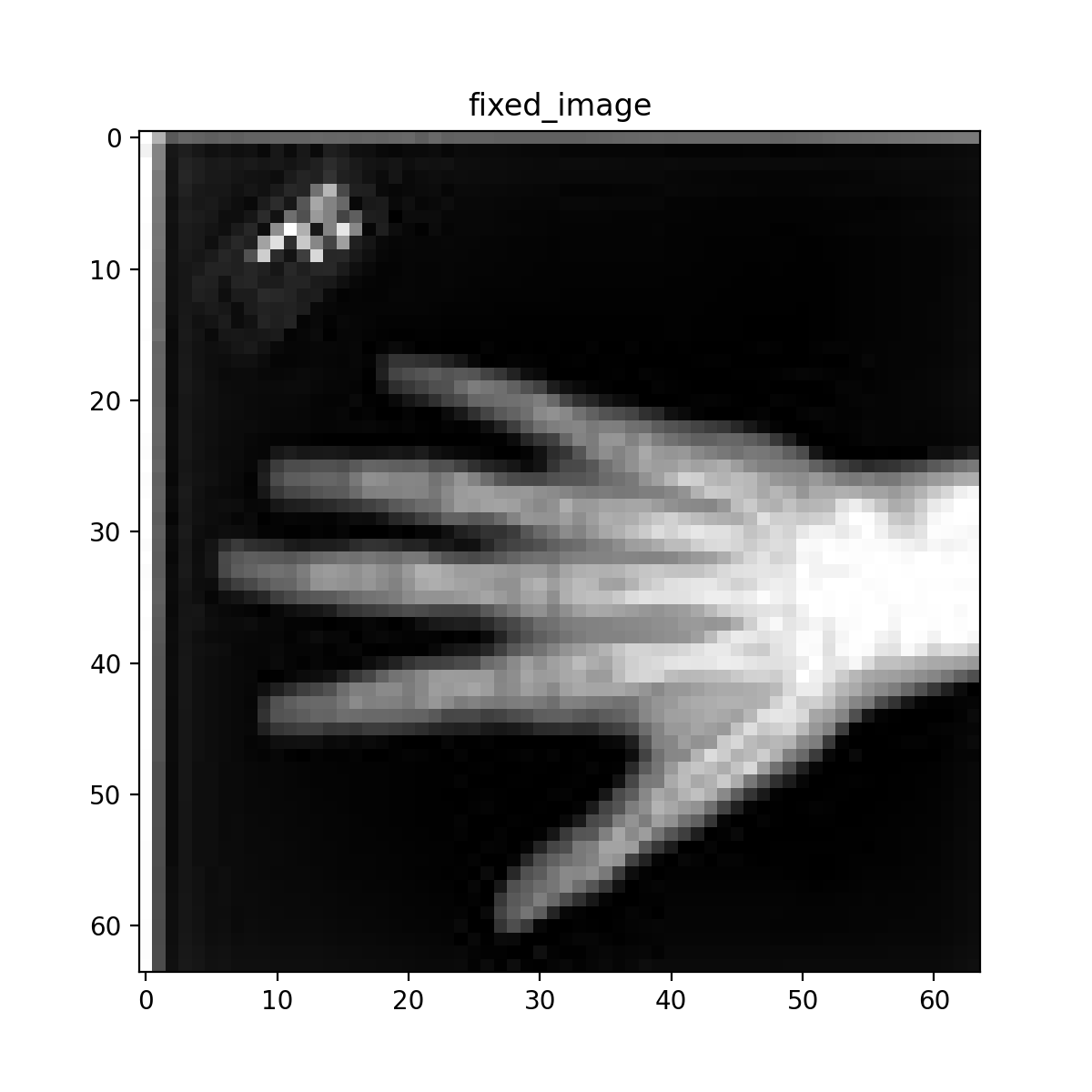
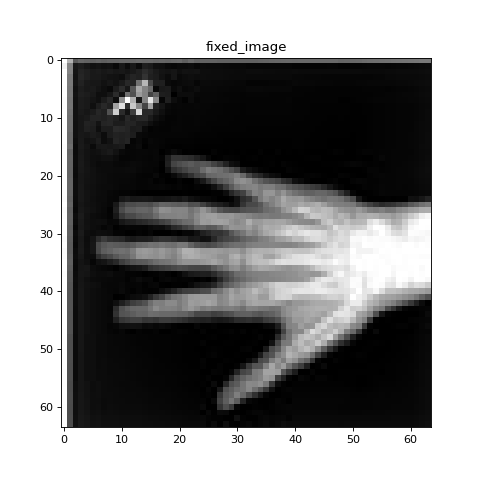
check_data = first(check_loader)
fixed_image = check_data["image"][0][0]

plt.figure("check", (6, 6))
plt.title("fixed_image")
plt.imshow(fixed_image, cmap="gray")
Next, we train our hybrid model using the MONAI idiom
train_ds = CacheDataset(data=training_datadict[:1000], transform=train_transforms,
                    cache_rate=1.0, num_workers=4)
train_loader_fixed = DataLoader(train_ds, batch_size=16, shuffle=True, num_workers=2)
train_loader_moving = DataLoader(train_ds, batch_size=16, shuffle=True, num_workers=2)

epoch_loss_values = []

for epoch in range(max_epochs):
    model.train()
    epoch_loss, step = 0, 0
    for fixed, moving in zip(train_loader_fixed,train_loader_moving):
        step += 1
        optimizer.zero_grad()

        moving = moving["image"].to(device)
        fixed = fixed["image"].to(device)
        loss_obj = model(moving, fixed)
        loss = loss_obj.all_loss
        loss.backward()
        optimizer.step()
        epoch_loss += loss.item()

    epoch_loss /= step
    epoch_loss_values.append(epoch_loss)
plt.close()
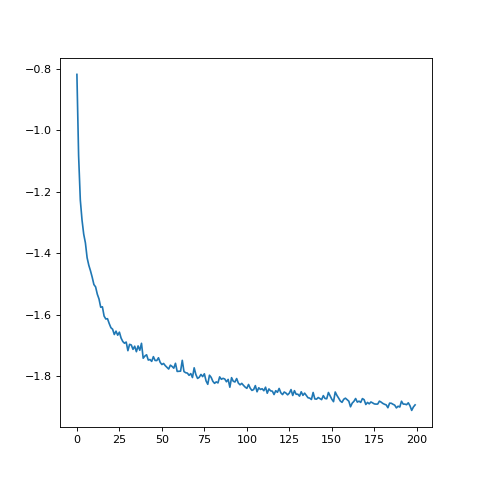
plt.plot(epoch_loss_values)
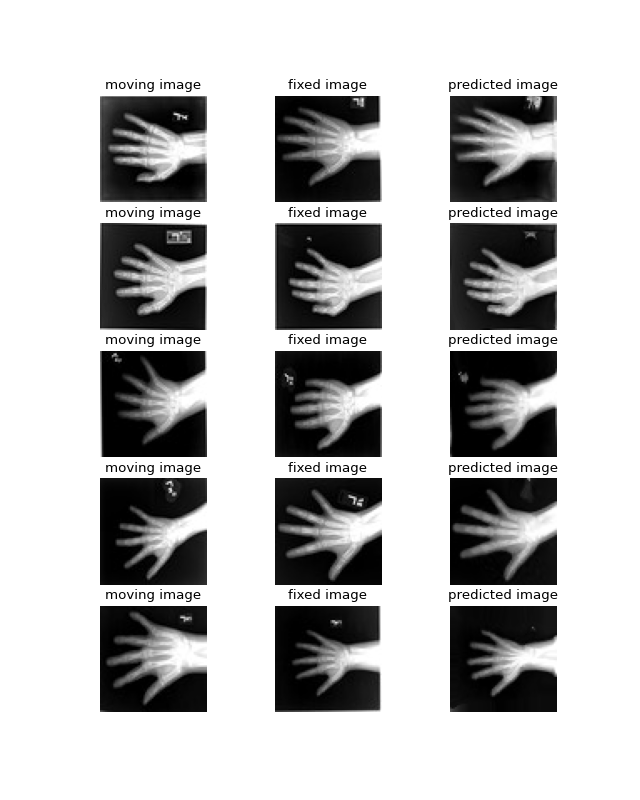
Finally, let’s visualize some registrations! To call an ICON module on two images (or batches of images) and get back a ddf (deformation field) compatible with monai’s Warp layer, use icon_registration.monai_wrapper.make_ddf_using_icon_module(). Alternatively, if you have an ICON style transform already and want to convert it to a monai ddf, use icon_registration.monai_wrapper.make_ddf_from_icon_transform().
warp_layer = Warp("bilinear", "border").to(device)
val_ds = CacheDataset(data=training_datadict[2000:2500], transform=train_transforms,
                      cache_rate=1.0, num_workers=0)
val_loader_fixed = DataLoader(val_ds, batch_size=16, num_workers=0)
val_loader_moving = DataLoader(val_ds, batch_size=16, num_workers=0)
for fixed, moving in zip(train_loader_fixed,train_loader_moving):
    moving = moving["image"].to(device)
    fixed = fixed["image"].to(device)
    ddf, loss = icon_registration.monai_wrapper.make_ddf_using_icon_module(
        model,
        moving,
        fixed)
    pred_image = warp_layer(moving, ddf)
    break

fixed_image = fixed.detach().cpu().numpy()[:, 0]
moving_image = moving.detach().cpu().numpy()[:, 0]
pred_image = pred_image.detach().cpu().numpy()[:, 0]
batch_size = 5
plt.subplots(batch_size, 3, figsize=(8, 10))
for b in range(batch_size):
    # moving image
    plt.subplot(batch_size, 3, b * 3 + 1)
    plt.axis('off')
    plt.title("moving image")
    plt.imshow(moving_image[b], cmap="gray")
    # fixed image
    plt.subplot(batch_size, 3, b * 3 + 2)
    plt.axis('off')
    plt.title("fixed image")
    plt.imshow(fixed_image[b], cmap="gray")
    # warped moving
    plt.subplot(batch_size, 3, b * 3 + 3)
    plt.axis('off')
    plt.title("predicted image")
    plt.imshow(pred_image[b], cmap="gray")
plt.axis('off')